Batch invoice conversion in the web app
Official references
Use these sources to verify dates, formats, and official rule changes.
Related Technical Wiki
Explore deep-dive developer documentation and regulatory guidelines matching this article.
What to check before turning ERP, PDF, or spreadsheet invoice facts into structured XML.
Why human review is part of reliable invoice conversion.
Practical guides for validating DATEV, Lexware, SAP Business One, Odoo, and Microsoft Dynamics invoice exports.
Batch conversion is the web route for several invoices. It is available with Professional and Enterprise plans and accepts up to 10 files in one upload.
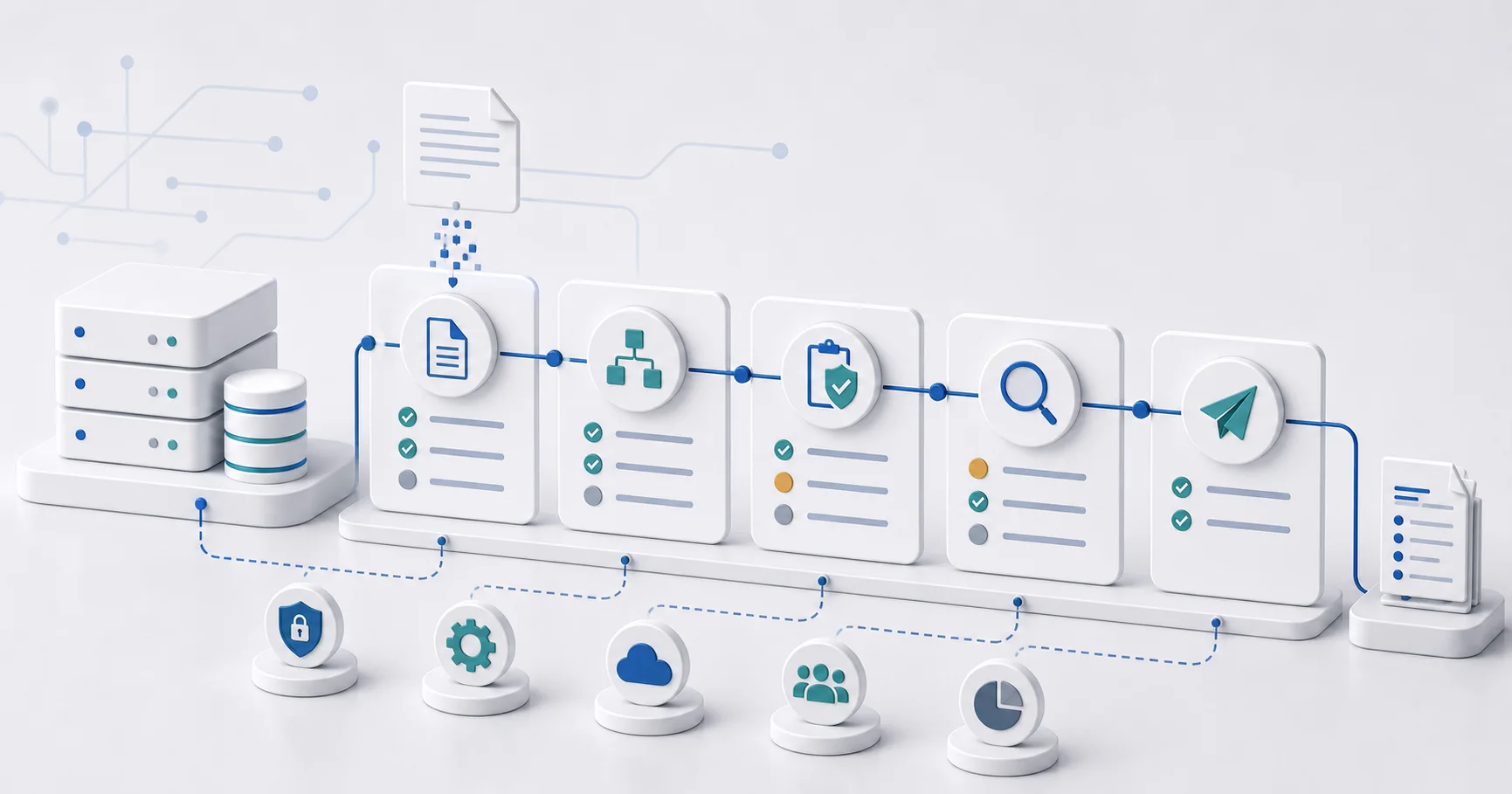
How batch conversion works
- Open the converter and select several source files.
- Choose the required target format and start the batch.
- Wait for processing, then open each invoice in the batch overview.
- Review uncertain data and validation results before downloading the completed files.
What batch mode does not change
A batch saves upload and navigation work. It does not make source checks optional. One unclear invoice can still require correction while other files complete.
When batch is the right choice
Use batch for a small recurring stack of invoices that a person still reviews. For a fully connected system workflow, see the invoice conversion API guide.
Ready to convert your invoices?
Convert PDF invoices to XRechnung, ZUGFeRD, and other formats. Subscriptions from €10/month with annual billing (excl. taxes), with a 3-day trial on your first subscription. Or without a subscription: €5 per conversion (excl. taxes).