Convert an invoice online: a simple web upload guide
Official references
Use these sources to verify dates, formats, and official rule changes.
Related Technical Wiki
Explore deep-dive developer documentation and regulatory guidelines matching this article.
What to check before turning ERP, PDF, or spreadsheet invoice facts into structured XML.
Why human review is part of reliable invoice conversion.
How XRechnung applies EN 16931 in Germany, including XML syntax, validation, buyer references, and delivery channels.
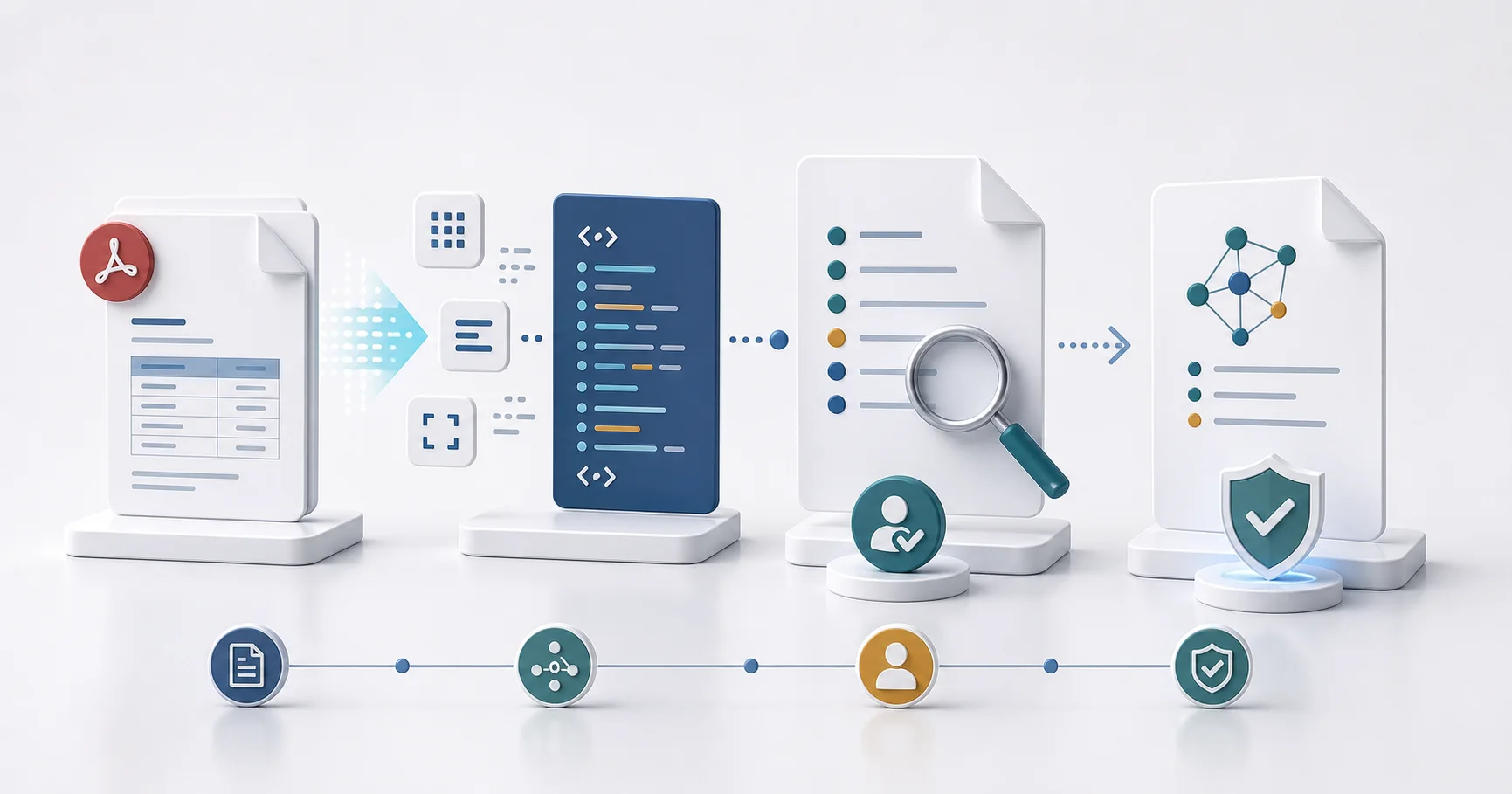
The normal web upload is the simplest way to convert one invoice without an integration. You select the target format, upload the source, review the data, and download the validated result.
How web conversion works
- Open the converter and choose XRechnung, ZUGFeRD, UBL, CII, or another available target.
- Upload the invoice. One source file can be up to 20 MB.
- Review extracted supplier, buyer, tax, total, payment, and line-item data.
- Correct uncertain fields, run conversion and validation, then download the result and report.
What you should check
Technical validation checks the generated file. It does not replace your commercial or tax review. Compare important values with the source before sending the invoice.
When this route fits
Use the web route for occasional invoices and work that needs a visible review step. For repeated multi-file work, see the batch guide. For system integration, use the API guide.
Ready to convert your invoices?
Convert PDF invoices to XRechnung, ZUGFeRD, and other formats. Subscriptions from €10/month with annual billing (excl. taxes), with a 3-day trial on your first subscription. Or without a subscription: €5 per conversion (excl. taxes).