Invoice conversion API: a simple integration guide
Official references
Use these sources to verify dates, formats, and official rule changes.
Related Technical Wiki
Explore deep-dive developer documentation and regulatory guidelines matching this article.
Common integration error codes explained for non-technical users.
Practical guides for validating DATEV, Lexware, SAP Business One, Odoo, and Microsoft Dynamics invoice exports.
Common e-invoicing code lists: VAT category codes, payment means codes, unit codes, and invoice type codes.
The invoice conversion API connects an ERP, accounting system, or custom application. It is asynchronous: your system creates a task, checks its status, and downloads the result.
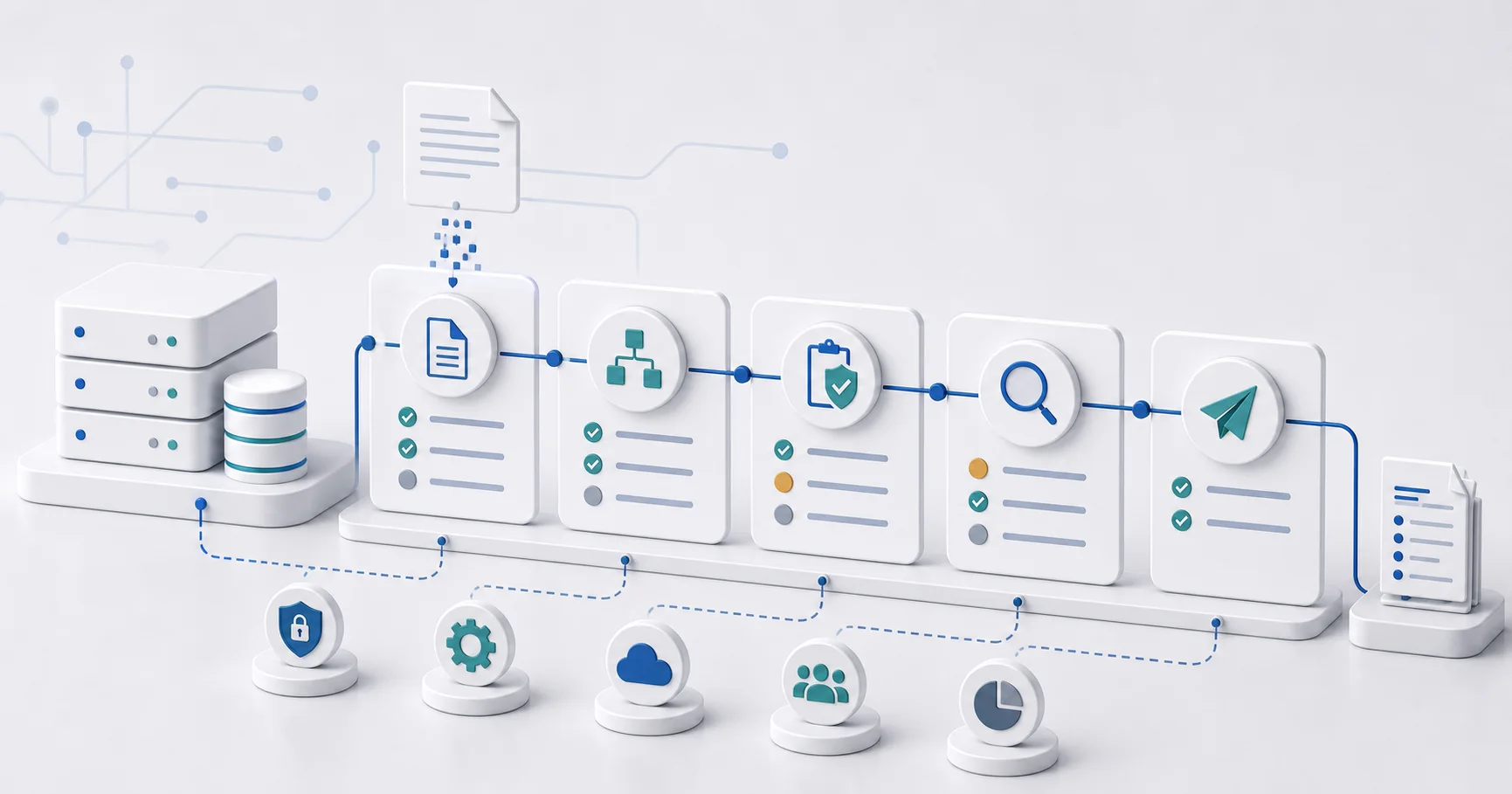
The API flow in five steps
- With an active Enterprise subscription, create an API key in your profile.
- Send the source to POST /api/v1/invoices:convert with a target format and an idempotency key.
- Store the returned task ID.
- Poll GET /api/v1/tasks/{task_id} with backoff until the task reaches a final state.
- Download the result and validation report. Route validation failures to correction instead of retrying them unchanged.
Supported routes and formats
The upload route accepts PDF, DOCX, and TXT. A structured-input route is also available. Current targets include XRechnung, ZUGFeRD, EN 16931, UBL, and CII. ZUGFeRD requires a PDF source.
When to use the API
Use the API for repeatable server-to-server workflows that need task IDs, idempotency, and explicit downloads. Use the email route for controlled low-volume mailbox workflows.
Ready to convert your invoices?
Convert PDF invoices to XRechnung, ZUGFeRD, and other formats. Subscriptions from €10/month with annual billing (excl. taxes), with a 3-day trial on your first subscription. Or without a subscription: €5 per conversion (excl. taxes).