Peppol network guide: identifiers, access points and invoice delivery
Official references
Use these sources to verify dates, formats, and official rule changes.
Related Technical Wiki
Explore deep-dive developer documentation and regulatory guidelines matching this article.
How Peppol exchanges structured invoices through access points, and which BIS, recipient, and national checks still apply.
A practical PEPPOL guide for invoicing teams: 4-corner model, endpoint discovery, profiles, code lists, and common validation issues.
A network and specifications for exchanging e-procurement documents, including e-invoices.
Peppol is a network and rule set for exchanging structured business documents. You connect through a certified Access Point instead of building a separate connection to every customer.
Peppol can carry an invoice, but it does not create or approve the invoice for you. The sender remains responsible for the invoice data and for the rules that apply to the transaction.
The four-corner model
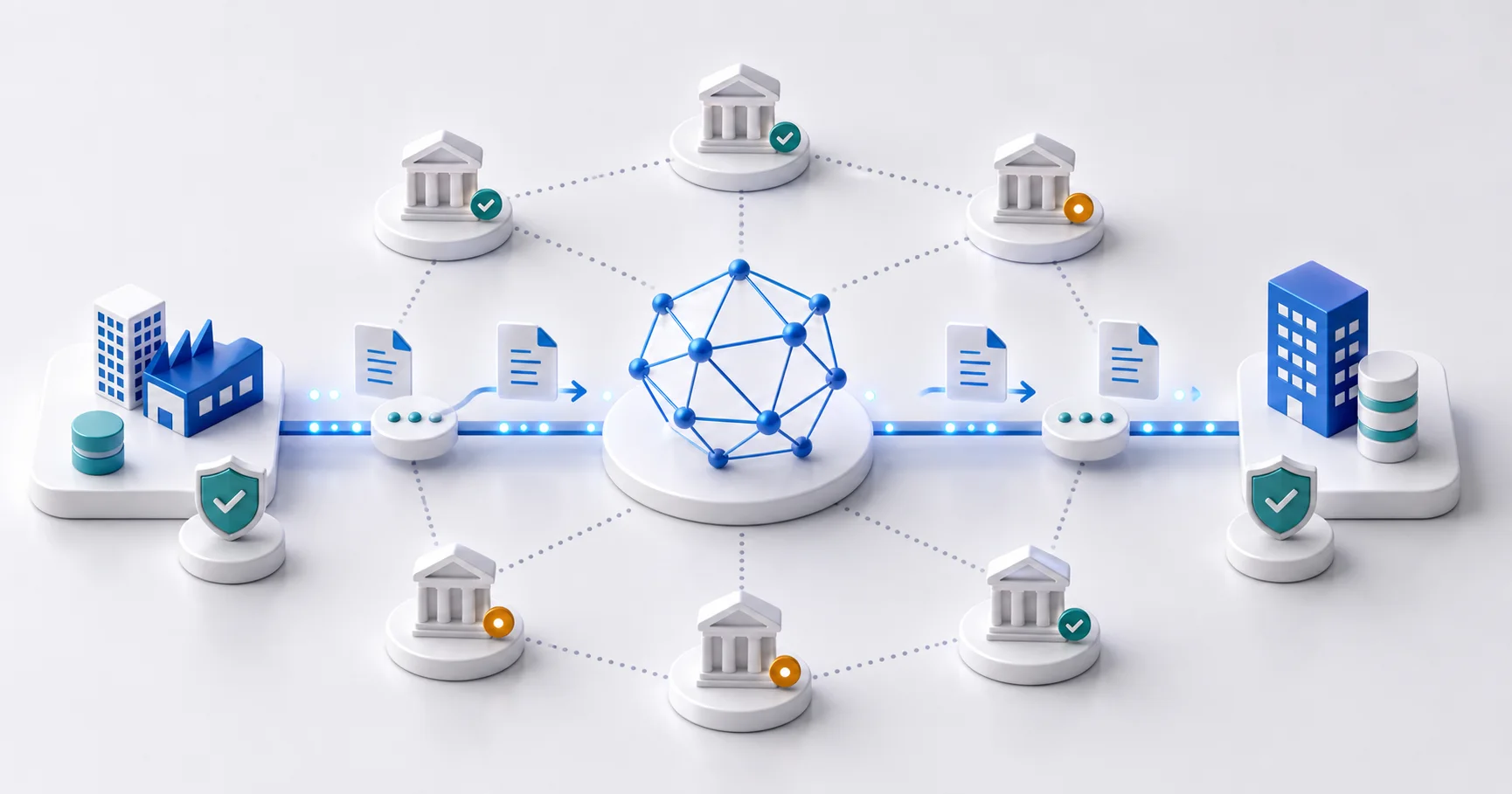
The sender and receiver each use an Access Point. The sender submits the document to its provider. That provider finds the receiver and sends the document to the receiver’s provider. The receiver’s provider then delivers it to the receiver.
- Corner 1: the sender creates the invoice.
- Corner 2: the sender’s Access Point checks and sends it.
- Corner 3: the receiver’s Access Point receives it.
- Corner 4: the receiver imports and processes it.
Find the correct endpoint
A Peppol participant identifier has a scheme and a value. The scheme states which register issued the value. It is part of the address, so do not infer it from the number alone.
- 0106 — Netherlands: Dutch Chamber of Commerce number (KvK).
- 0208 — Belgium: Belgian enterprise number.
- Example:
0208:0123456749identifies a Belgian enterprise number. Confirm the complete endpoint with the recipient or in the Peppol Directory before sending.
Use the document type the receiver accepts
European invoice exchanges commonly use Peppol BIS Billing 3.0, based on UBL 2.1 and EN 16931. A participant can support several document types. Endpoint discovery tells the Access Point which processes and document types the receiver has registered.
Do not treat any UBL 2.1 file as a Peppol invoice. Peppol BIS adds business rules, code lists and routing requirements. Validate against the profile and rule set used by your Access Point.
What delivery proves
A transport receipt can show that the network accepted or delivered a message. It does not prove that the invoice data is correct, that the receiver booked the invoice, or that the receiver accepted the commercial claim.
Keep the source invoice, validation report, endpoint used, Access Point response and business response. If the receiver rejects the invoice, fix the business or profile error and send the corrected document through the agreed process.
Connection checklist
- Ask your accounting provider whether it includes a certified Peppol Access Point.
- Confirm the receiver’s participant identifier and the required invoice profile.
- Create a Peppol BIS Billing 3.0 invoice with the required buyer references and tax data.
- Run profile validation and review warnings and extracted source data.
- Send a test invoice when the receiver or Access Point offers a test route.
Ready to convert your invoices?
Convert PDF invoices to XRechnung, ZUGFeRD, and other formats. Subscriptions from €10/month with annual billing (excl. taxes), with a 3-day trial on your first subscription. Or without a subscription: €5 per conversion (excl. taxes).
Testing works without an account, up to 6 PDF pages per conversion, attachments included. The download needs an account plus a credit or a subscription.