KoSIT validator error codes: BR-DE, BR-CO and PEPPOL rules explained
Official references
Use these sources to verify dates, formats, and official rule changes.
Related Technical Wiki
Explore deep-dive developer documentation and regulatory guidelines matching this article.
German XRechnung BR-DE validation errors, with the related business rules and practical fixes.
How XRechnung applies EN 16931 in Germany, including XML syntax, validation, buyer references, and delivery channels.
How to obtain, format, and validate a Leitweg-ID when a German public-sector recipient requires it in BT-10.
A KoSIT report lists each failed rule with its ID, a short message and an XML location. This page explains the rules that appear most often in reports from our free XRechnung validator, with the usual cause and the fix. Each rule ID links to a page with XML examples.
Start with the first error in the report. Correct the named field in the source data, generate the file again and run the same validator configuration.
What is KoSIT?
KoSIT, the Koordinierungsstelle für IT-Standards, is the German public coordination office that publishes the XRechnung standard. It also publishes the open-source validator and the XRechnung validator configuration, which check a file against the XML schema, the EN 16931 rules and the German BR-DE rules.
Interactive pipeline
How an e-invoice is validated
Click a stage to see what it checks, or type a rule ID to light up the stage that reports it.
Stage 1 · What it checks
XML schema
- The file is well-formed XML. If it cannot be parsed, no rule can run.
- Root element, namespaces, element order and data types follow the UBL 2.1 or CII D16B schema.
Example codes
Typical fix
Correct the generator: a misplaced element, a wrong namespace or a value in the wrong data type.
The KoSIT rules that fail most often
The table is ordered by how often each rule appears in failed checks in our free validators. The severity is the level in the validator configuration named in the next section.
| Rule | Severity | Meaning | Typical cause | Fix |
|---|---|---|---|---|
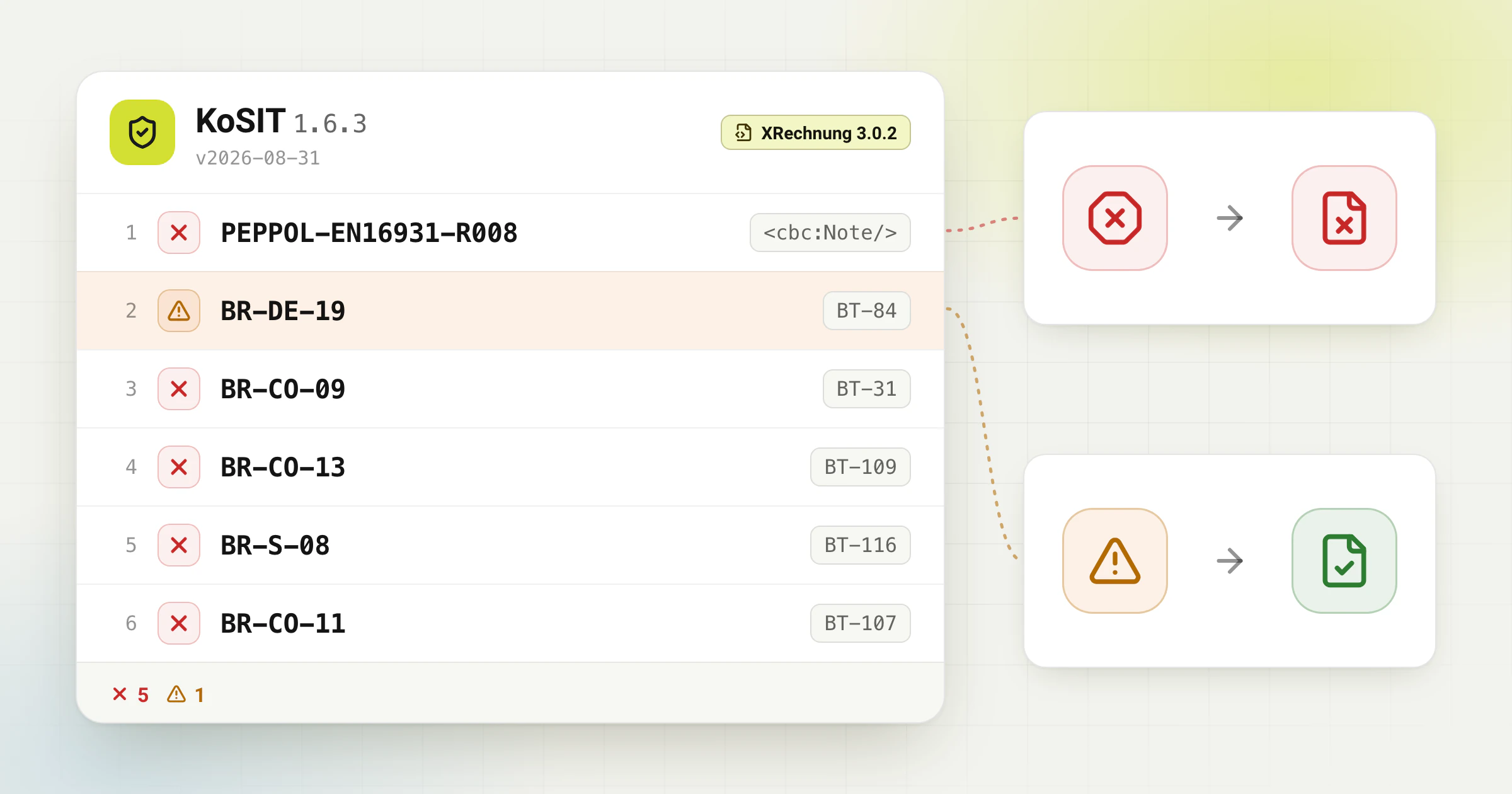
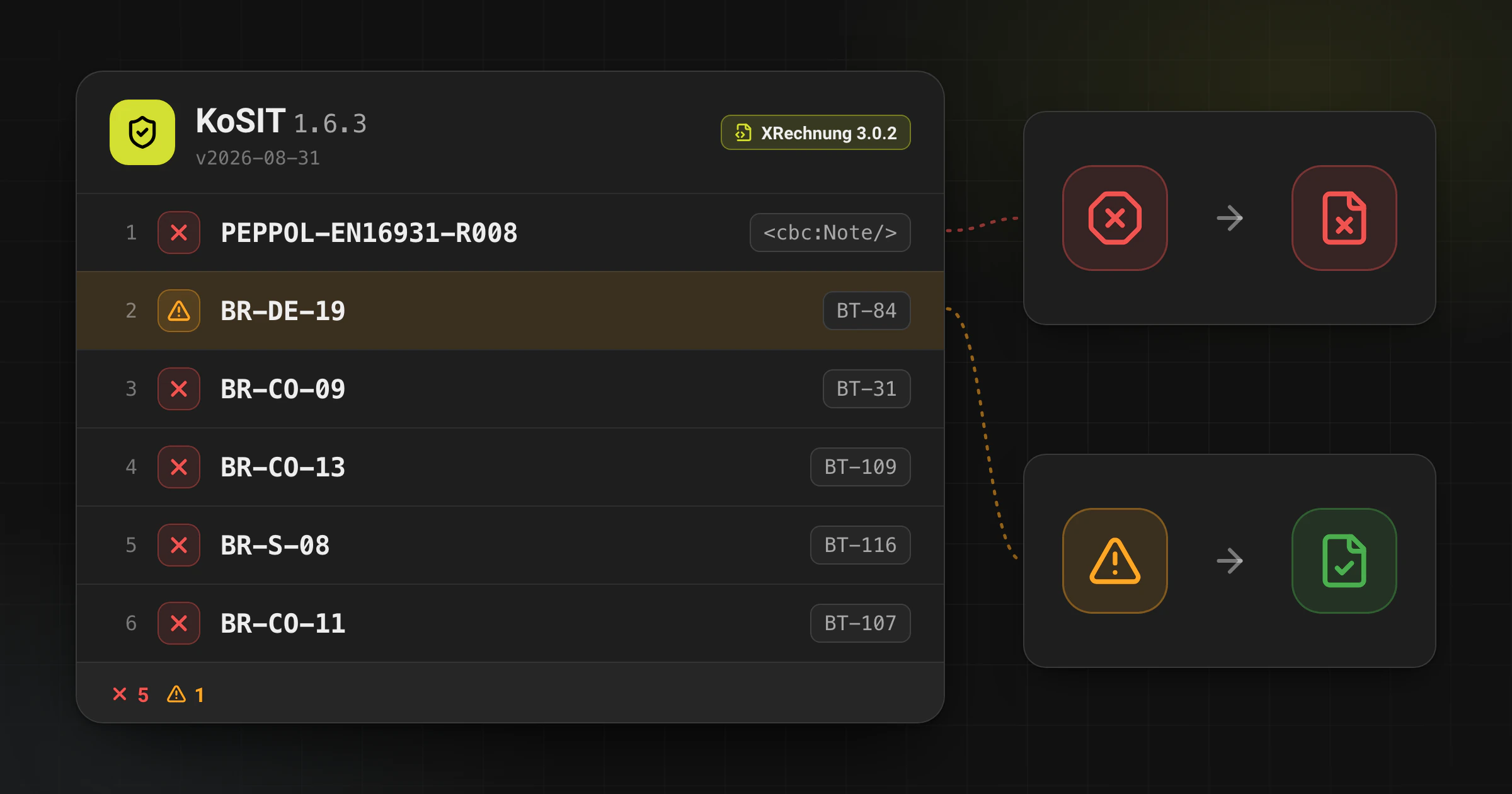
PEPPOL-EN16931-R008 | Error | The XML contains an element with no text and no child elements. | An export template writes every field, even when the source has no value, for example <cbc:Note/>. | Remove the element, and its parent group if that is then empty. Do not fill it with “-” or “n/a”. |
BR-DE-19 | Warning | With code 58 (SEPA credit transfer) in BT-81, the account identifier BT-84 should be a valid IBAN. | A typo in the IBAN, a label such as “IBAN:” in the field, or a national account number. | Correct the IBAN in the master data. The check digits must pass the modulo 97 test; spaces are ignored. |
BR-CO-09 | Error | The VAT identifiers in BT-31, BT-48 and BT-63 must start with an ISO 3166-1 country code (Greece: EL). | The number was exported without its prefix, or a national tax number was put in the VAT ID field. | Write the VAT ID with its prefix, for example DE123456789. A German Steuernummer belongs in BT-32. |
BR-CO-13 | Error | The total without VAT (BT-109) must equal the line net amounts minus document allowances (BT-107) plus document charges (BT-108). | A discount or surcharge is in the printed total but not in the XML as a document-level allowance or charge. | Recalculate the totals from the exported lines, allowances and charges instead of copying the printed total. |
BR-S-08 | Error | For each VAT rate in category S, the taxable amount (BT-116) must equal the line net amounts plus charges minus allowances at that rate. | A document-level discount or charge has the wrong rate, or a discount across several rates was exported with one rate only. | Group lines, allowances and charges by rate and rebuild each VAT breakdown (BG-23) from those groups. |
BR-CO-11 | Error | The sum of document-level allowances (BT-107) must equal the sum of all allowance amounts (BT-92). | A discount is deducted in BT-107 but not exported as its own allowance (BG-20). | Export each discount as a BG-20 and calculate BT-107 from those amounts. |
BR-DE-27 | Warning | The seller contact telephone number (BT-42) should contain at least three digits. | A placeholder such as “--” or “N/A”, or a name in the telephone field. | Enter the real business number, for example +49 30 1234567, in the seller master data. |
BR-DE-15 | Error | Buyer reference (BT-10) must be present. KoSIT checks only that it is there, not the Leitweg-ID format. | The order gave no reference, or the export leaves BT-10 empty for business customers. | Ask the buyer which reference they expect; a public buyer usually gives a Leitweg-ID. Do not invent one. |
PEPPOL-EN16931-R010 | Error | The buyer electronic address (BT-49) must be present. | The customer master data has no e-invoicing address for the buyer. | Ask the buyer for the address and its scheme, for example scheme 0204 for a Leitweg-ID or EM for an e-mail address. |
BR-DE-21 | Warning | The specification identifier (BT-24) should be the XRechnung identifier. | The file declares ZUGFeRD, Peppol BIS or plain EN 16931, or an older XRechnung version. | Set BT-24 to the XRechnung 3.0 identifier, or check the file with a validator for the profile it declares. |
CII-SR-465 / CII-SR-466 | Error (XRechnung CII) | In CII, a contact point (BT-41 seller, BT-56 buyer) is a person name or a department name, not both. | The export writes ram:PersonName and ram:DepartmentName side by side. The current KoSIT configuration raises the CEN warning to an error. | Keep one of the two elements. UBL is not affected. |
BR-FX-EN-04 | Warning (Factur-X) | Factur-X / ZUGFeRD: an invoice between German parties needs a delivery date (BT-72), an invoicing period (BG-14) or a period on every line (BG-26). | The source gives no delivery or service date, or only a period without a deliver-to country (BT-80). | Add the date or period from the source documents; with a period only, add BT-80 as well. The ZUGFeRD validator checks this rule, not KoSIT. |
PEPPOL-EN16931-R020 | Error | The seller electronic address (BT-34) must be present. | The seller master data has no e-invoicing address. The rule has a Peppol name, but KoSIT applies it to every XRechnung. | Enter the seller’s electronic address with its scheme (BR-62), for example an e-mail address with scheme EM. |
BR-CO-10 | Error | The sum of line net amounts (BT-106) must equal the total of all line net amounts (BT-131). | A line, such as shipping, is printed but not exported, or lines were rounded after the sum was calculated. | Calculate BT-106 from the exported lines, with the same rounding as the lines. |
BR-CO-15 | Error | The invoice total with VAT (BT-112) must equal BT-109 plus the total VAT amount (BT-110). | The gross total was copied from the PDF while the net or VAT amount was recalculated, so a rounding cent differs. | Calculate BT-112 as BT-109 + BT-110 from the exported values. |
BR-DE-1 | Error | The invoice must contain payment instructions (BG-16). | The bank details are printed on the PDF, for example in the footer, but not exported. | Add BG-16 with the payment means code (BT-81) and the account or mandate data that belong to it. |
BR-DE-2 | Error | The seller contact group (BG-6) must be present; BR-DE-5, BR-DE-6 and BR-DE-7 then require BT-41, BT-42 and BT-43. | The export writes the company address but no contact name, telephone number or e-mail address. | Store a monitored contact name, telephone number and e-mail address in the seller master data. |
KoSIT checks only that BT-10 is present (BR-DE-15). For XRechnung, Invoice-Converter.com also warns in the review step when a Leitweg-ID in BT-10 has a wrong check digit; it does not block the file for that. All other rules are listed in the KoSIT error reference.
Which validator version the rules come from
Invoice-Converter.com checks XRechnung with KoSIT validator 1.6.3 and the XRechnung configuration v2026-08-31: XRechnung 3.0.2 with the EN 16931 validation artefacts 1.3.16. Another configuration can report other rules or other levels, so compare reports only from the same configuration.
For XRechnung 3.0, BT-24 must identify the profile as urn:cen.eu:en16931:2017#compliant#urn:xeinkauf.de:kosit:xrechnung_3.0. A shortened identifier or a ZUGFeRD identifier selects another rule set.
The EN 16931 artefacts 1.3.16 removed BR-CO-25. A report that still shows it comes from an older configuration: a positive amount due no longer needs a due date (BT-9) or payment terms (BT-20).
The XRechnung configuration validates UBL or CII XML. It does not validate the PDF/A-3 container of a ZUGFeRD or Factur-X file. Use a hybrid-invoice validator for that separate task.
Warnings are not rejections
A KoSIT report has two levels that matter here. An error (the Schematron flags it “fatal”) makes the file invalid. A warning is a recommendation: if the report has no error, KoSIT still recommends accepting the file.
In the table, BR-DE-19, BR-DE-27, BR-DE-21, BR-FX-EN-04 are warnings. Fix them when the data behind them is wrong, for example a mistyped IBAN. Do not hold back an otherwise valid file only because of a warning, and do not hide one with a placeholder value.
A safe correction sequence
BR-DE-16 is a common follow-up: if the invoice uses VAT category S, Z, E, AE, K, G, L or M, it needs the seller VAT identifier (BT-31), the seller tax registration identifier (BT-32) or a seller tax representative (BG-11 with BT-63); for K or G, BR-IC-02 and BR-G-02 accept only BT-31 or BT-63. The XRechnung required fields guide lists the other BR-DE groups.
Invoice-Converter.com creates and checks e-invoice files. It does not send invoices and is not a Peppol access point.
- Confirm the XRechnung version in BT-24 and the validator configuration.
- Open the first error in the report and note its rule ID and XML location.
- Correct the named BT or BG in the source data or master data, not only in the generated XML.
- Generate the invoice again and run the same validator configuration.
- Review warnings separately. A warning is not the same as a rejected invoice.
Frequently asked questions
What is the KoSIT validator?
The KoSIT validator is the open-source validation tool of the German Koordinierungsstelle für IT-Standards. With the XRechnung configuration, it checks an XRechnung file against the XML schema, the EN 16931 rules and the German BR-DE rules, and lists each failed rule in a report.
What does "Document MUST not contain empty elements" mean?
It is rule PEPPOL-EN16931-R008. The file contains an XML element without text and without child elements. Remove the element instead of filling it with a placeholder.
Is a KoSIT warning a rejection?
No. Only errors make the file invalid. Warnings such as BR-DE-19, BR-DE-27 or BR-DE-21 are recommendations; correct them when the data behind them is wrong.
Why does my CII file now fail CII-SR-465?
Since the KoSIT configuration of 31 August 2026, CII-SR-465 and CII-SR-466 are errors for XRechnung in CII syntax. A contact with both a person name and a department name fails; keep one of the two.
Does KoSIT validate ZUGFeRD PDF/A-3?
No. The XRechnung configuration validates UBL or CII XML. A ZUGFeRD or Factur-X file also needs checks for the PDF/A-3 container, embedded XML, metadata, and semantic agreement between PDF and XML.
Check your e-invoice file
Upload your XRechnung XML file and see which KoSIT rules fail before you submit it. The validator is free and works without an account.