Invoice-Converter.comInvoice-Converter
BlogPricing
Convert InvoiceConvert
ConvertConvert Invoice
  1. Home
  2. /
  3. Blog
  4. /
  5. ZUGFeRD BT Fields: Complete Guide to Business Terms in E-Invoicing
ZUGFeRD BT Fields: Complete Guide to Business Terms in E-Invoicing
Blog

ZUGFeRD BT Fields: Complete Guide to Business Terms in E-Invoicing

January 18, 202510 min read
Markdown export

Article overview

This article explains ZUGFeRD BT Fields: Complete Guide to Business Terms in E-Invoicing as a practical reference for European e-invoicing. It defines the topic in plain language, places it in the compliance context, and connects the explanation to invoice formats such as XRechnung, ZUGFeRD/Factur-X, UBL, and CII.

Use the article as a starting point before changing a finance or ERP workflow: identify the applicable country rule or standard, decide which structured format is expected, validate the generated XML, and keep a documented exception process for invoices that require manual review.

Understanding ZUGFeRD BT Fields: Your Complete Guide to Business Terms

When working with ZUGFeRD invoices, understanding BT (Business Terms) fields is crucial for creating compliant electronic invoices. These standardized fields ensure consistent data exchange between different systems and comply with the European standard EN 16931. This comprehensive guide will help you master BT fields for successful e-invoicing implementation.

At Invoice-Converter.com, we handle BT field mapping automatically when converting between PDF, XRechnung, and ZUGFeRD formats, ensuring your invoices always meet compliance requirements.

📋 Quick Reference

  • BT = Business Terms (standardized data elements)
  • EN 16931 = European e-invoicing standard
  • 400+ BT fields defined in the standard
  • Mandatory vs. Optional fields for compliance

What Are BT Fields?

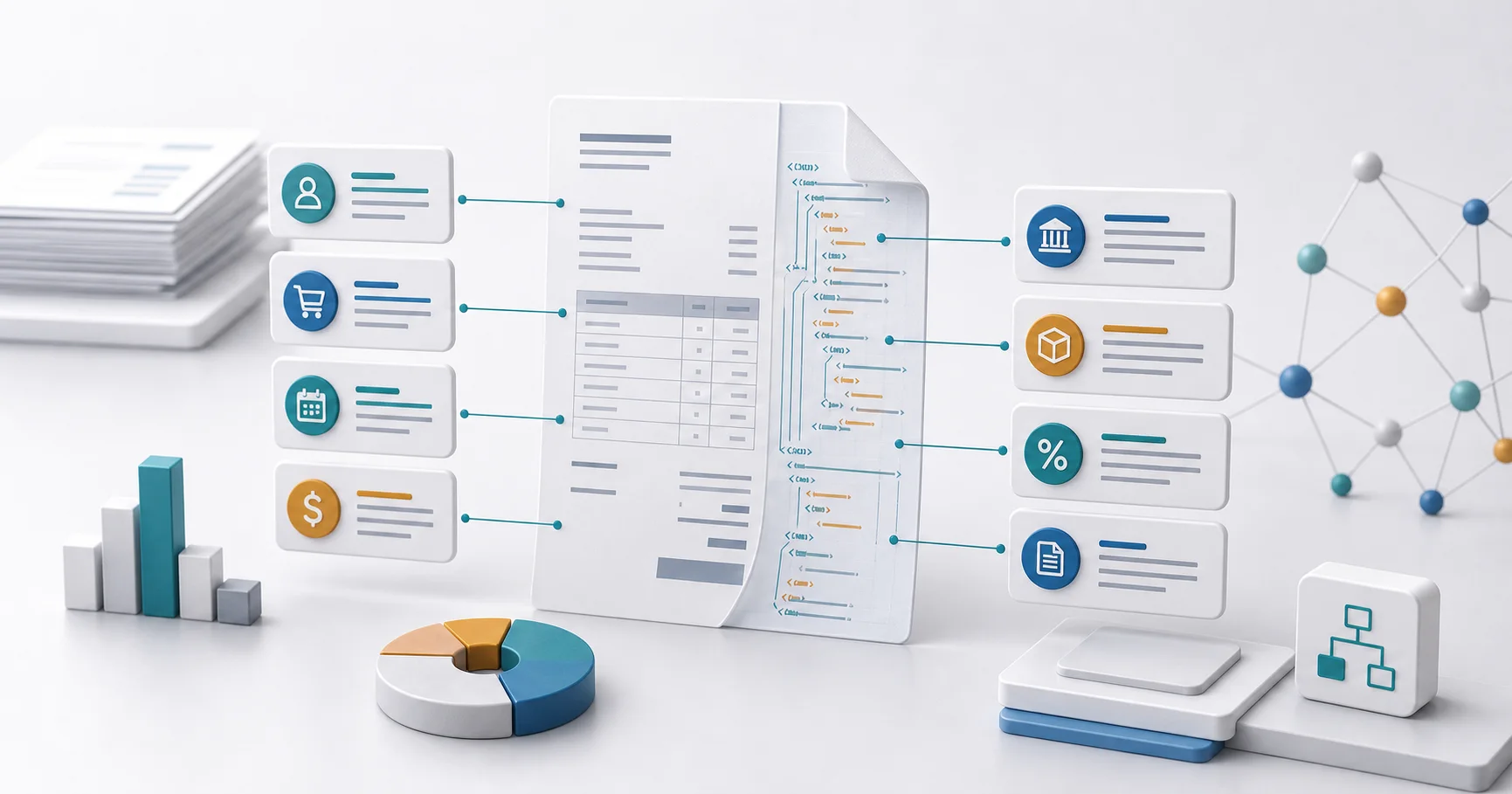
BT fields (Business Terms) are standardized data elements defined by the European standard EN 16931. Each BT field has a unique identifier (e.g., BT-1, BT-2) and represents specific invoice information such as invoice number, date, supplier details, or tax amounts. These fields ensure that electronic invoices can be processed automatically across different systems and countries.

Essential BT Fields Every Business Should Know

Core Invoice Information

  • BT-1: Invoice number - Unique identifier for the invoice
  • BT-2: Invoice issue date - Date when the invoice was created
  • BT-3: Invoice type code - Type of invoice (380 = Commercial invoice, 381 = Credit note)
  • BT-5: Invoice currency code - Currency of the invoice (e.g., EUR, USD)
  • BT-6: VAT accounting currency code - Currency for VAT calculations

Supplier Information (Seller)

  • BT-27: Seller name - Legal name of the supplier
  • BT-28: Seller trading name - Commercial name if different
  • BT-29: Seller identifier - Company registration number
  • BT-31: Seller VAT identifier - VAT registration number
  • BT-32: Seller tax registration ID - Tax ID if no VAT number

Buyer Information

  • BT-44: Buyer name - Legal name of the buyer
  • BT-45: Buyer trading name - Commercial name if different
  • BT-46: Buyer identifier - Company registration number
  • BT-48: Buyer VAT identifier - VAT registration number
  • BT-10: Buyer reference - Purchase order or reference number

Payment Information

  • BT-9: Payment due date - Date when payment is due
  • BT-81: Payment means type code - How payment should be made
  • BT-83: Remittance information - Payment reference
  • BT-84: Payment account identifier - IBAN or account number
  • BT-86: Payment service provider identifier - BIC or bank code

BT Fields for Tax Calculations

BT Field Description Example
BT-106 Sum of Invoice line net amount 1000.00
BT-110 Invoice total VAT amount 190.00
BT-112 Invoice total amount with VAT 1190.00
BT-115 Amount due for payment 1190.00

Line Item BT Fields

Each invoice line has its own set of BT fields for detailed product or service information:

  • BT-126: Invoice line identifier - Unique line number
  • BT-129: Invoiced quantity - Number of units
  • BT-130: Invoiced quantity unit of measure - Unit code (e.g., C62 for pieces)
  • BT-131: Invoice line net amount - Total excluding VAT
  • BT-146: Item net price - Price per unit
  • BT-151: Item VAT category code - VAT rate category

Mandatory vs. Optional BT Fields

⚠️ Compliance Requirements

Mandatory fields must always be present for a valid invoice:

  • Invoice number (BT-1)
  • Invoice issue date (BT-2)
  • Invoice type code (BT-3)
  • Invoice currency code (BT-5)
  • Seller name (BT-27)
  • Buyer name (BT-44)
  • Invoice line net amount (BT-131)
  • Invoice total amounts (BT-106, BT-110, BT-112)

Optional fields provide additional information when needed:

  • Purchase order reference (BT-13)
  • Contract reference (BT-12)
  • Project reference (BT-11)
  • Delivery date (BT-72)

Common BT Field Validation Rules

  1. Format validation: Dates must be in YYYY-MM-DD format
  2. Code list validation: Currency codes must be valid ISO 4217 codes
  3. Calculation validation: Total amounts must match sum of line items
  4. Conditional rules: If VAT exempt, exemption reason must be provided
  5. Cross-field validation: Payment due date must be after invoice date

BT Field Mapping Between Formats

When converting between different e-invoice formats, BT fields serve as the common language:

BT Field XRechnung (UBL) ZUGFeRD (CII)
BT-1 cbc:ID rsm:ExchangedDocument/ram:ID
BT-2 cbc:IssueDate ram:IssueDateTime
BT-27 cac:PartyName/cbc:Name ram:Name

Best Practices for BT Field Implementation

  1. Use standardized code lists: Always use official code values for countries, currencies, and units
  2. Validate early and often: Check BT field compliance before sending invoices
  3. Maintain data quality: Ensure accurate and complete information in all fields
  4. Document custom extensions: If using additional fields, document them clearly
  5. Test with trading partners: Verify that your BT field usage matches partner expectations

Common BT Field Errors and Solutions

❌ Frequent Mistakes

  • Missing mandatory fields: Always check that all required BT fields are populated
  • Invalid date formats: Use ISO 8601 format (YYYY-MM-DD) consistently
  • Incorrect VAT calculations: Ensure BT-110 equals sum of all VAT amounts
  • Wrong currency codes: Use three-letter ISO codes (EUR, not €)
  • Mismatched totals: Line item sum must equal invoice subtotal

BT Fields and German Compliance

For German e-invoicing compliance, additional considerations apply:

  • Leitweg-ID (BT-10): Required for all B2G invoices in Germany
  • German tax number formats: Must follow specific patterns for BT-32
  • Payment terms: Skonto (cash discount) must be clearly specified
  • Reverse charge indicators: Special coding for VAT-exempt B2B services

Automated BT Field Processing

Modern e-invoicing systems like Invoice-Converter.com handle BT fields automatically:

  • Extract data from PDF invoices and map to correct BT fields
  • Validate all mandatory fields are present and correctly formatted
  • Calculate dependent fields (totals, VAT amounts) automatically
  • Convert between different XML syntaxes while preserving BT field data
  • Generate human-readable PDFs from BT field data

Future of BT Fields

The BT field standard continues to evolve with e-invoicing requirements:

  • New fields for sustainability: Carbon footprint and environmental data
  • Enhanced payment information: Support for instant payments and cryptocurrencies
  • Supply chain integration: Links to logistics and inventory systems
  • Real-time reporting: Fields for immediate tax authority submission

Ready to Master BT Fields?

Let Invoice-Converter.com handle the complexity of BT field mapping and validation for you. Our advanced conversion engine ensures:

  • Automatic extraction and mapping of all BT fields
  • Validation against EN 16931 and German requirements
  • Seamless conversion between formats
  • Clear error messages for missing or invalid fields

How to use this guide

Use the article as a starting point before changing a finance or ERP workflow: identify the applicable country rule or standard, decide which structured format is expected, validate the generated XML, and keep a documented exception process for invoices that require manual review.

Ready to convert your invoices?

Start converting PDF invoices to XRechnung, ZUGFeRD, and other formats today. 3-day free trial included.

Start Free Trial

Related articles

How non-EU suppliers can create compliant invoices for EU customers

A practical guide for suppliers outside the EU: understand EN 16931, recipient-specific formats, routing, and the review steps needed before sending invoices into Europe.

Read more

EU e-invoicing in 2025: what still matters in 2026

A practical EU e-invoicing guide for April 2026: exact dates for Germany, France, Belgium, and ViDA, plus the rollout decisions teams still need to make.

Read more

Germany E-Invoice Mandate 2027/2028: Timeline, €800k Threshold, and Format Rules

Germany B2B e-invoicing timeline explained: receive since 2025, issue from 2027 above €800k, issue for all in 2028. Learn what qualifies as a compliant e-invoice and which formats are allowed.

Read more

Invoice-Converter.com

Empowering businesses across Europe to effortlessly comply with XRechnung regulations. Join hundreds who've automated their invoice conversion process.

20,000+ invoices processed
Fast & Secure
Trusted by hundreds

Features

Convert PDFs & create

  • PDF to XRechnung
  • PDF to UBL
  • PDF to XRechnung (CII)
  • PDF to ZUGFeRD
  • PDF to Factur-X
  • Create XRechnung
  • XRechnung to PDF

View & validate

  • XRechnung/XML Viewer
  • XRechnung Validator

Quick Links

  • Resources
  • Trust & Security Center
  • Developer API Documentation
  • Blog
  • FAQ
  • Pricing
  • Climate Contribution

Legal

  • Imprint
  • Privacy Policy
  • Data Processing Agreement
  • Terms & Conditions
  • Money-Back Guarantee

Get in Touch

contact@invoice-converter.com
Start Converting
© 2026 Invoice-Converter.com.Made with in Europe
GDPR Compliant
German Server